How it works

Online inminutes.Here's how.

Pick your phone. We'll show you the exact taps, on video and step by step.

What's an eSIM?

A digital SIM built into your phone. No plastic card, no shop: you download your data plan like an app, and your regular SIM stays right where it is.

  • No roaming bills

    It's prepaid. You pay once, up front, so there's no bill waiting for you at home.

  • Keep your number

    Your home SIM stays in. Calls and texts to your usual number still reach you.

  • Ready on landing

    Install it at home before you fly. When you land, switch on data roaming and you're online.

  • Nothing to lose

    No tiny card to swap, drop or forget in a hotel room.

  1. Before you fly

    Buy & install

    • Pick a plan for your destination
    • Install it at home, on a stable connection
  2. On the way

    Sit back

    • Most plans only start when you connect at your destination
    • No days lost in transit
  3. When you land

    Roaming on

    • Use the eSIM for mobile data and turn on data roaming
    • You're connected

Watch it on video.

Each video is about a minute or two. To install, you only need one of the three ways.

Plays from YouTube. Google may set cookies once you press play.

Buying

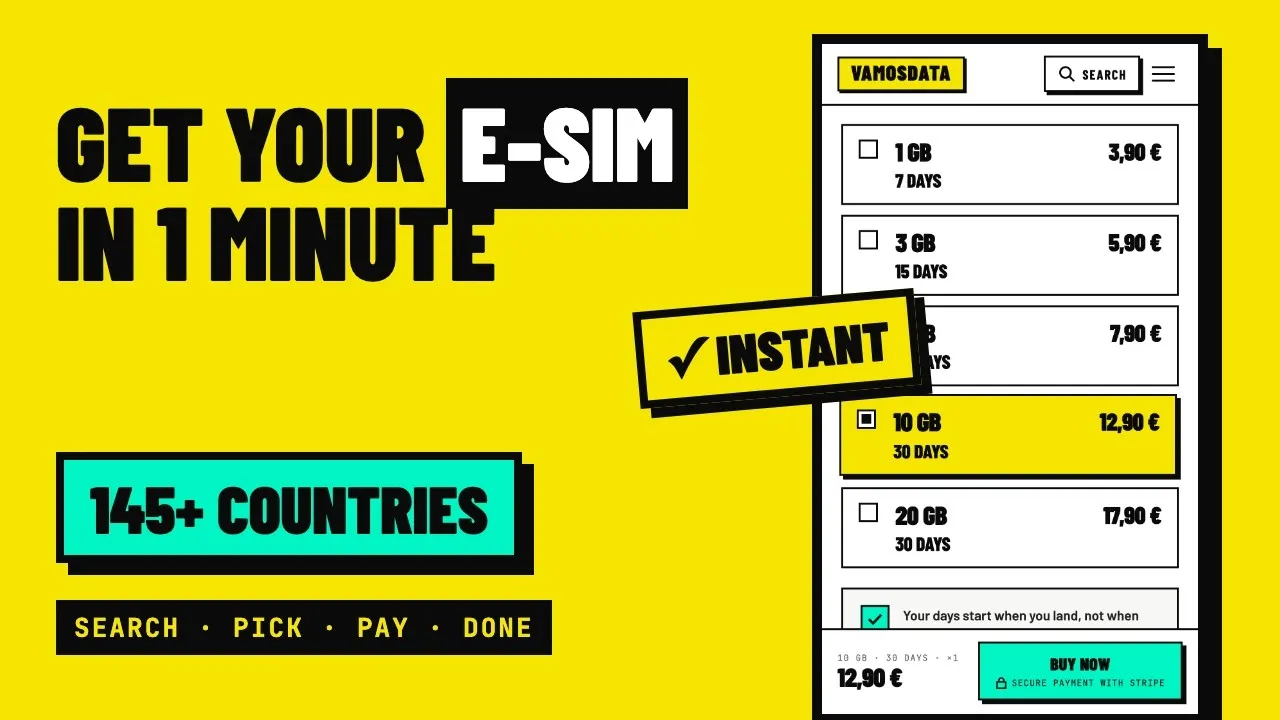
Buy your eSIM in a minute

  1. Find your destination. Search for it on vamosdata.com.
  2. Pick a plan. Choose the one that fits your trip, or let the recommender pick for you.
  3. Pay. Tap Buy now, enter your email and pay securely with Stripe.
  4. Get your eSIM. It arrives straight away, ready to install in one of three ways.
Plays from YouTube. Google may set cookies once you press play.

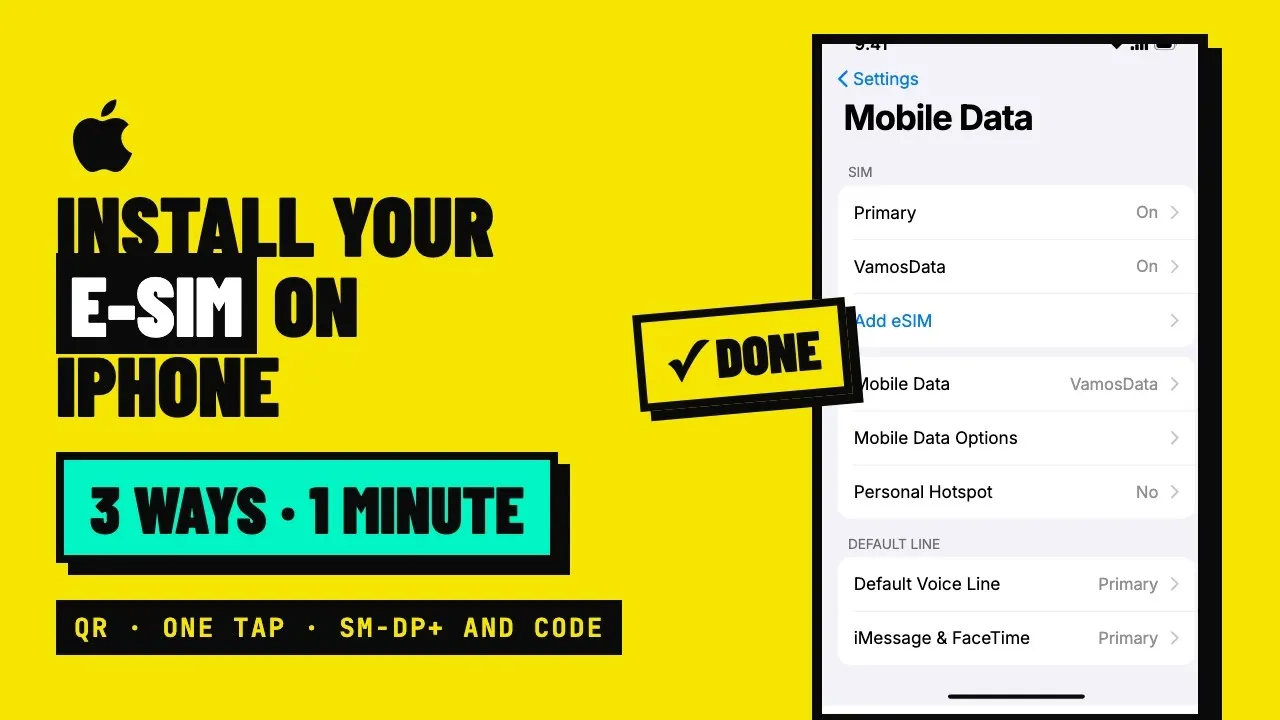
iPhone

Install on iPhone

  1. One tap. Open your order on the iPhone itself and tap Install on iPhone (iOS 17.4 or later).
  2. Or scan the QR. Order open on another screen? Settings → Mobile Data → Add eSIM → Use QR Code.
  3. Or enter it by hand. iPhone asks for two values, the SM-DP+ address and the activation code. Both are in your order.
  4. When you land. In Mobile Data, choose the eSIM for data. Then open it and turn on Data Roaming.
Full step-by-step guide →

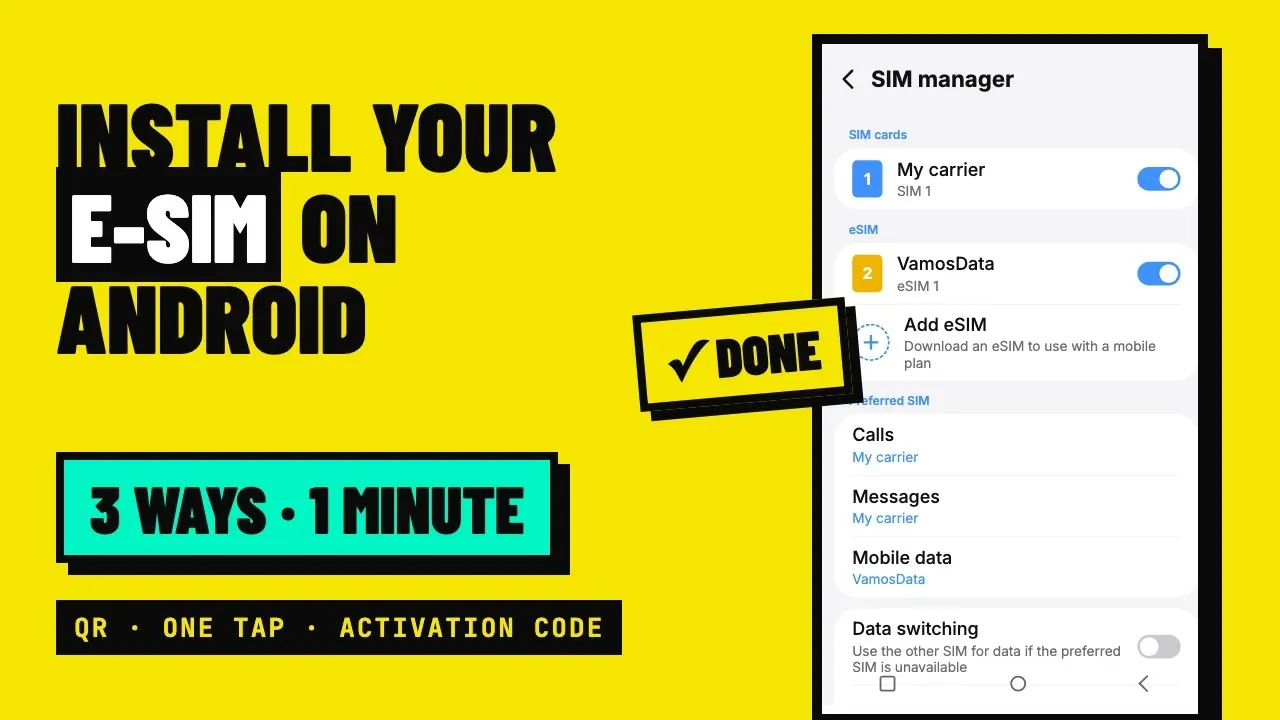
Plays from YouTube. Google may set cookies once you press play.

Android

Install on Android

  1. One tap. Open your order on the phone itself and tap Install on Android (Android 10 or later, with Google Play services up to date).
  2. Or scan the QR. Order open on another screen? Scan it from your phone's SIM settings.
  3. Or paste the code. Copy the activation code that starts with LPA and paste it in. Works on any phone.
  4. When you land. Use the eSIM for mobile data and turn on data roaming for it.
Full step-by-step guide →

Something not working?

Most problems are one setting away. If not, write to us and a real person answers.

  • Problem

    No data after landing

    Data roaming is probably off. Turn it on for the eSIM's line. It costs nothing extra, because your plan is prepaid. The line won't be called VamosData: it's the one that isn't your home SIM.

  • Problem

    The QR won't scan

    Use one-tap install, or enter the details by hand. Everything you need is in your order.

  • Problem

    "eSIM can't be added"

    Your phone may not support eSIM, or may be locked to a carrier. Check it with our device checker. Check my device →

  • Problem

    Still stuck?

    Write to us and a real person answers.

Not sure your phone works?

Dial *#06#. If you see an EID, your phone has eSIM. It also needs to be unlocked from your carrier.

Check my device

Ready? Pick your destination.

145 countries. The price you see is the price you pay.

Find my destination

We use our own and third-party cookies to analyse how the site is used and to measure the performance of our marketing. You can accept or reject them. Cookie policy