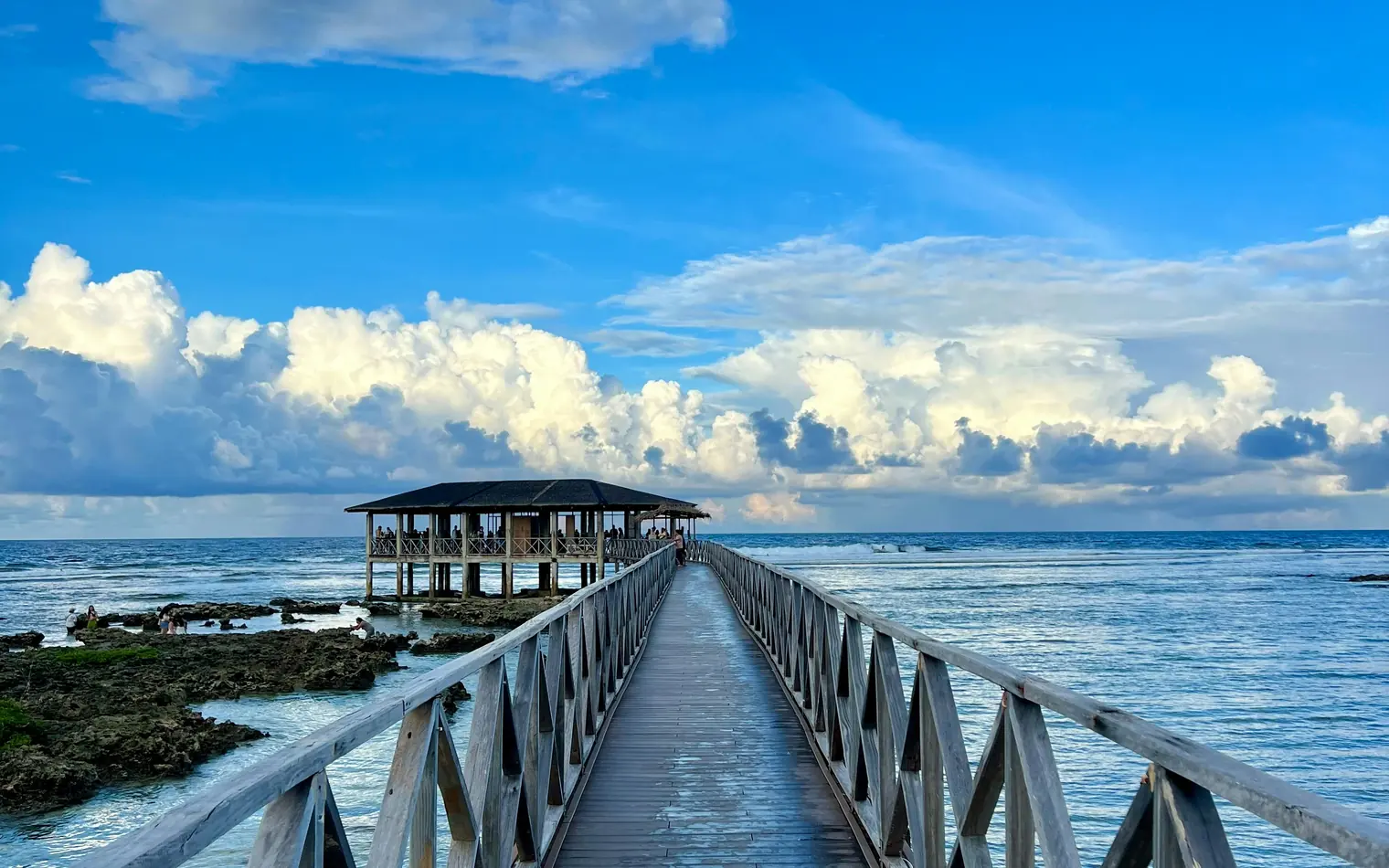
Siargao sells itself in about four seconds: reef breaks, coconut roads, a boardwalk out over the water at Cloud 9. The harder question is whether you can hold a 9am standup from it. The honest answer is yes, most days — and the days it fails have almost nothing to do with the Wi-Fi password.
Starlink fixed the speed problem, not the power problem
A few years ago the island's internet was genuinely bad. Then satellite broadband arrived, and today most of the cafes, coworking spaces and villas clustered around General Luna run on a rooftop Starlink dish. Speeds in the main strip are no longer the bottleneck for ordinary work.
What satellite does not change is the thing underneath it. A dish needs mains electricity, a router needs mains electricity, and Siargao's electricity comes over a submarine cable from mainland Mindanao. When that link fails, the whole island fails at once.
This is not hypothetical. In December 2024 a fault on the 34.5 kV submarine cable left Siargao and neighbouring Bucas Grande without power for roughly two weeks, and the province declared a state of calamity. On 9 January 2026 the same cable tripped again, knocking out supply island-wide. The Energy Regulatory Commission has since cleared a multi-billion-peso grid interconnection project intended to put the island on a more stable footing, but that is infrastructure on a construction timetable, not a fix that has already landed.
Day to day, what you actually run into is shorter: an hour here, an evening there, usually announced by the local electricity cooperative at short notice and often during a storm. Venues with a generator ride those out. Venues without one do not.
What the island's mobile network gives you
Mobile data in the Philippines has improved steadily. Ookla's Speedtest Global Index put the country's median mobile download speed at around 66 Mbps in August 2026 — below the global median, but far more than a video call needs — and the national digital agency reported 5G population coverage of roughly 62% earlier in the year.
National medians say nothing about one island, though, so the useful version is this: around General Luna and the main road, a phone will usually hold a call. Ride north to Pacifico or inland and it thins out noticeably. A VamosData eSIM for the Philippines connects to those same local networks, so you get the island's real coverage, not a worse version of it.
The advantage is not speed. It is independence. Mobile towers carry their own battery and generator backup, so when a cafe's power cuts out, the network around you often keeps running for a while. That gap is exactly the window a faltering video call needs.
The brownout playbook
The fix is not finding a better cafe. It is never depending on one connection:
| Route | Good for | Weak spot |
|---|---|---|
| Cafe or villa Starlink | Big uploads, long sessions, screen sharing | Dies with the building's power |
| Your phone as a hotspot | Calls, standups, anything with a deadline | Uses your data allowance and your battery |
| A local SIM card | Long stays, local numbers | A shop, a passport and a registration form |
Two of those are satellite and cellular, which fail for different reasons — that is the whole point of keeping both. Because a VamosData eSIM is a second profile rather than a swapped card, your usual number stays in the phone for banking codes while the data runs over the travel line. The third is the one that ambushes people. Philippine SIMs have to be registered under the SIM Registration Act, which for a visitor usually means producing a passport, a local address and an onward ticket at a counter, with tourist registrations typically capped at about 30 days. It is doable, but it is not a thing you do at 8:55am in a blackout. That queue is also why plenty of travellers skip local SIM shops entirely.
One more failure mode worth knowing: in October 2026 a submarine cable cut between the Philippines and Singapore slowed internet nationwide while carriers rerouted traffic. Nothing you do on an island fixes that one. It is a good argument for downloading what you need the night before.
Set up before you fly
- Check that your handset supports eSIM on the device checker, and that it is carrier-unlocked.
- Pick a Philippines plan from destinations sized for a working stay rather than a holiday — our day-by-day data breakdown puts video calls at the heavy end — and install it over home Wi-Fi with the iOS or Android guide.
- Turn data roaming on for your travel eSIM and off for your home SIM.
- Practise switching your personal hotspot on before you need it, and carry a power bank big enough to run the phone through a long call.
- Keep offline maps, your calendar and tomorrow's files downloaded, and read the Siargao travel guide for seasons, transport and the rest of the island.
Siargao is a genuinely good place to work from. Just arrive assuming the lights will go out mid-sentence at least once, with the second route already in your pocket when they do.