Every travel site now tells you to "just get an eSIM" before you fly, usually without explaining what one is. The short version: it's a SIM card that lives in software instead of plastic, and it's the reason you can land in a new country with working mobile data instead of hunting for airport Wi-Fi.

What an eSIM actually is
"eSIM" stands for embedded SIM. The chip is soldered onto your phone's board at the factory, and it's programmable: instead of swapping a card to change network, you download a carrier profile onto the chip. The industry standard behind that download — remote SIM provisioning, defined by the GSMA — is what every phone and every eSIM provider follows, which is why a profile bought in one country installs on a phone bought in another.
Once the profile is on your phone, there is nothing exotic about it. Your phone lists it as a line, next to your normal one. It has its own signal bars, its own data switch, its own settings page. The network it connects to is a real mobile network with real towers; the only thing that changed is how the credentials got into your phone.
Two details make the difference for travel:
- A phone can store several profiles — typically eight or more — and run one or two of them at a time. So your home line and a travel line coexist.
- A profile arrives over the internet, not over a counter. That removes the shop, the queue and the passport photocopy from the process entirely.
How a profile gets onto your phone
You buy a plan for where you're going, and you get a QR code. You scan it from your phone's settings (or tap an install link, which does the same thing without a second screen), the profile downloads over Wi-Fi in a few seconds, and your phone asks what to call the new line.
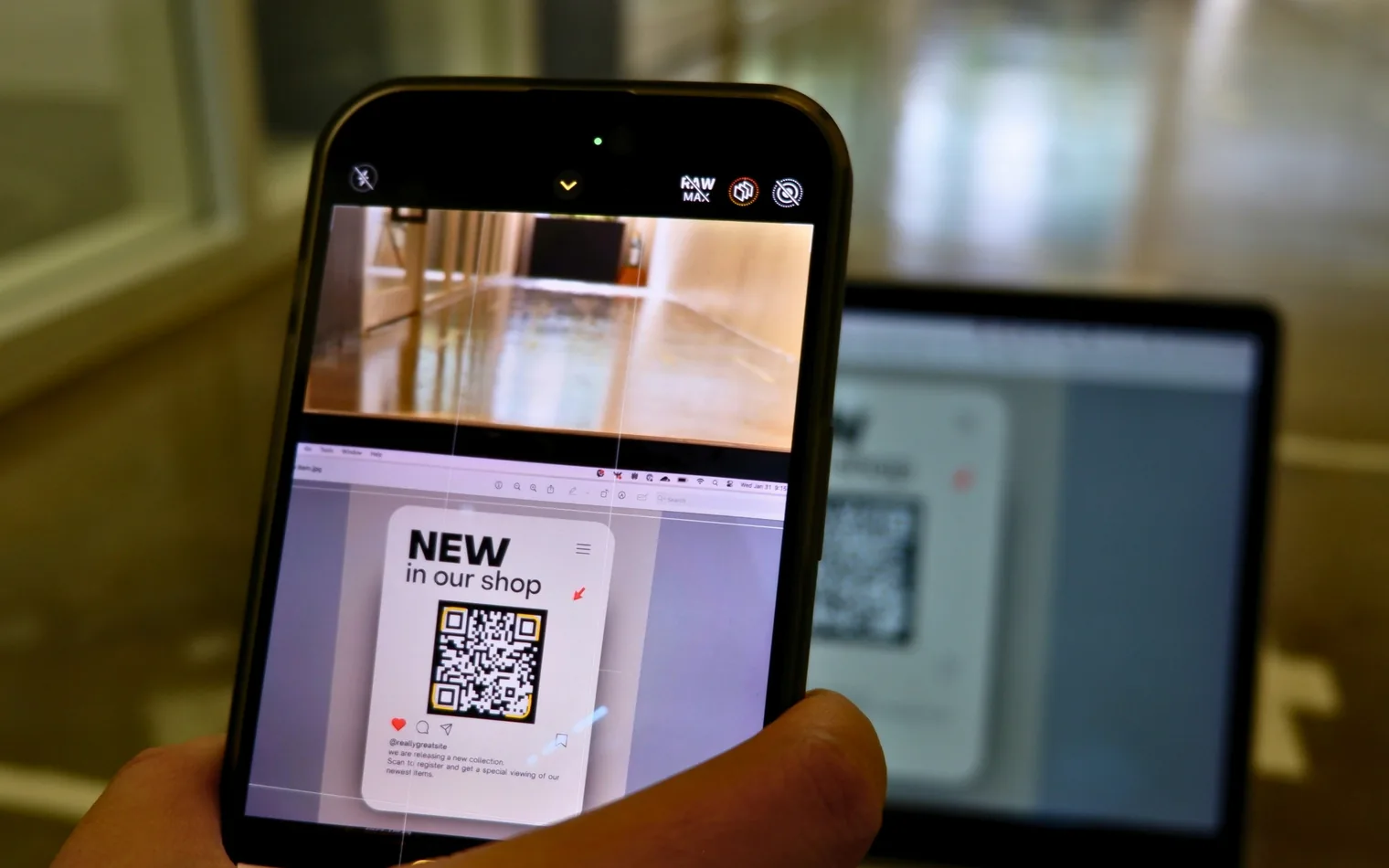
Then you make two choices, and these are the ones people get wrong:
- Which line carries data. Point mobile data at your travel line, not your home one — that's what keeps roaming charges off your normal bill.
- Data roaming on, for that line only. A travel eSIM connects to partner networks abroad, which your phone classes as roaming, so the switch has to be on for it. It has nothing to do with your home operator's roaming fees. We wrote a whole post on that one toggle, because it's the single most common reason a correctly installed profile shows no data.
Install your VamosData eSIM before you fly, on your own Wi-Fi, with the line switched off. Then it's a single toggle at the gate. Our iPhone and Android guides show each screen.
Why travelers use one
You land connected. Your VamosData eSIM is already on the phone when you take off, so the taxi app, the map and the message home are working while the plane is still taxiing. No kiosk, no queue, no 90 minutes of trying to remember the hotel's address.
Your own number stays reachable. Because a VamosData eSIM sits on a second line, your home SIM stays in the phone and keeps taking calls and bank verification codes, while your data runs over the travel plan.
You know the cost before you go. You buy a fixed amount of data for a fixed number of days, and that's the bill. Operator roaming, outside the agreements that cover it, is billed per megabyte after the fact — which is how a weekend abroad turns into a three-figure invoice.
Nothing physical to lose. No ejector pin, no tiny card in a hostel bed, no tray surgery on a moving train.
It scales to the route, not the border. If your trip crosses several countries, a regional plan covers the lot — see how to choose a regional plan.
What it won't do
Honest limits, because they matter more than the sales pitch:
- Most travel plans are data-only. You get data, not a local phone number for incoming calls or SMS. WhatsApp, Signal and the rest work fine; a local plumber calling you back does not.
- An eSIM needs a mobile network within reach. At sea, on a remote trail or in the air, there is nothing to connect to — see staying connected on a cruise.
- Hotel Wi-Fi is still hotel Wi-Fi. The moment you join a local network, your connection is local again, whichever SIM is in the phone.
- Old phones can't use one. Support went mainstream around 2018–2020, and some carrier-locked handsets still block it.
Is your phone ready?
Check yours with our device checker rather than guessing from the model name — the same model can ship with and without eSIM support depending on the market. The trend is one-way, though: iPhones sold in the US have had no SIM tray at all since the iPhone 14, and Apple's iPhone Air shipped eSIM-only in every market where it is sold.
If the answer is yes, pick your destination on our destinations page and work out how much data you actually need with our day-by-day breakdown. Install your VamosData eSIM at home, fly, switch it on. That's the whole thing.